
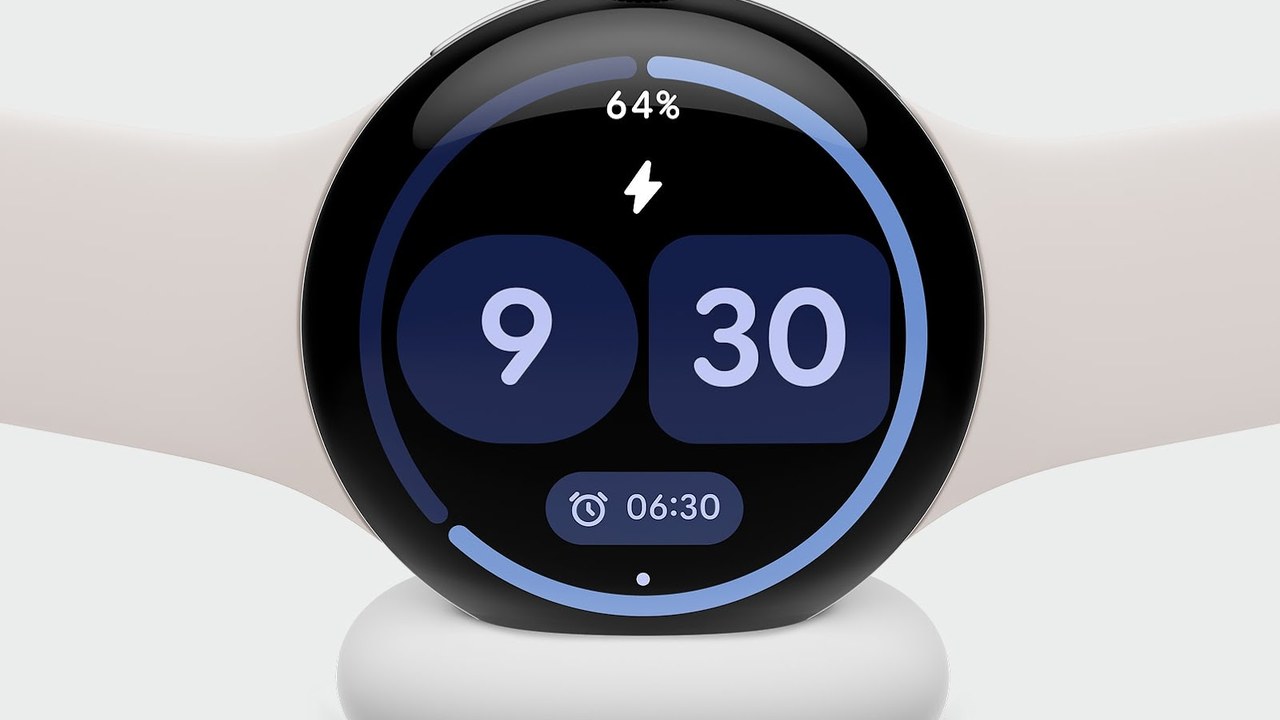
Google’s fix for the Pixel Watch battery drain is rolling out. Here’s how to get it now
If your Pixel Watch has been dying by dinner, help is here. Google told Android Authority that its fix for the battery drain bug has begun rolling out and should be complete over the next couple of days (Android Authority).
What went wrong
Over the past week, owners across several Pixel Watch generations reported battery life dropping to roughly 12 hours on watches that were mostly sitting idle. Google says it affected “a small number of Pixel Watch users.”
How to get the fix now
- Press the crown on your Pixel Watch.
- Open the Play Store app.
- Tap Manage apps, then Update all.
Because the fix comes as app updates, not a full system update, Android Authority notes the culprit was likely a misbehaving app or background service. Google hasn’t said which app it was.
Koffee take: a watch that can’t make it through a workday isn’t a smartwatch, it’s a bracelet. Take the 30 seconds to hit Update all tonight, then see if your battery bounces back by tomorrow.
Filed Nov 3, 2026 ~8:20 AM CT — Morning pass. Sources: Android Authority (Nov 3, 2026), with a statement from a Google spokesperson. Card image: official Pixel Watch 4 image from the Google Store.